



 Nederland
 Zweden
 Uk
Uk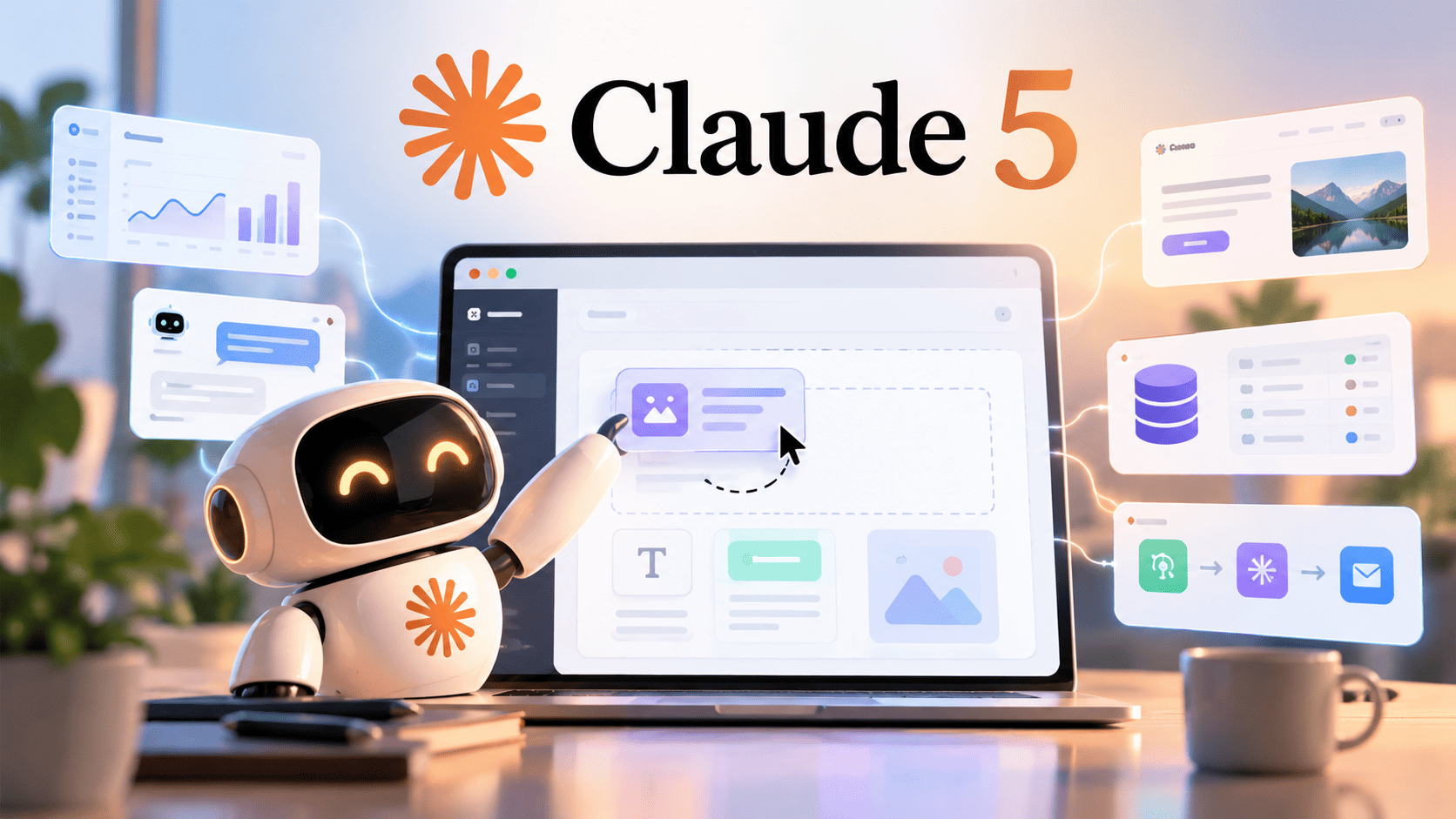
Claude 5 isn’t just another chatbot that spits code snippets. It translates natural language into a fully structured, deployable application. All you need is to add instructions in simple language, and Claude 5 creates the entire project, including files, logic, interface, and everything. This gives Claude developer a custom tool with a solution to the real problem for you, your team, or your customers.
While Claude 5 can create a fully functional application from simple prompts with no code needed, making the best use of it requires in-depth understanding. It handles the technical implementation while letting you focus on describing what features you want from your app. This segment will help you unleash the scope of Claude 5 and what you can actually build using it.
What Is Claude 5?
Claude 5 is the newest generation of AI models with functionalities that make it different from other usual assistants. It is not just another chatbot that answers questions; it is designed to write code, manage files, and build solutions from basic English input. It is more like a collaborator that can bring your ideas into existence without letting you code for weeks.
The name consists of 5, which depicts the version that is far more reliable than the previous versions. This new flagship language model is designed in a way for complex reasoning, long-running agent workflows, software engineering, and enterprise-level tasks. Anthropic has designed it considering real-world productivity and ensuring fewer retries, fewer tool calls, and less overall compute usage. The ultimate goal with this AI model is to help businesses deploy advanced AI at scale.
How Claude 5 Is Changing App Development
App development traditionally was about difficult code writing, a deep understanding of coding language, knowledge of how databases work, awareness of hosting information, and dozens of tool integrations to make it workable for real people. This consumed a lot of time and restricted developers’ minds from working on potential ideas.
However, the introduction of Claude 5 has transformed how people considered no-code tools earlier. Older platforms offered drag-and-drop blocks but still required an understanding of the underlying logic to arrange them so they worked. This newest version lets an AI Development company describe what they want in normal language, and it writes and assembles it. This gives them the time to work on the functionalities and the core idea behind the app.
The entire loop from having an app development idea to bringing it to life has changed completely with the introduction of Claude 5. However, this nowhere defines that the need for professional developers is being impacted. While it might assist you in bringing ideas into existence, it does require reviewing code, debugging, and scaffolding entire projects.
What Can You Build with Claude 5 Without Coding?
Claude 5 without coding can build more than what you expect, and the list continues to grow as the tool matures. Here are a few categories where people have already made prominent use of Claude 5:
- Productivity tools – All that boring stuff that used to mean either paying for software you didn’t quite need or building a janky spreadsheet can be designed using Claude 5. Be it trackers, planners, dashboards, checklists, or anything that you can describe what you want, you can get it tailored to your actual workflow instead of forcefully incorporating something that doesn’t even fit in your workflow.
- Small business utilities – For small businesses, apps such as inventory counters, invoice generators, CRMs, and feedback trackers are a must. Either they buy a subscription for the same or hustle to manage stuff without a proper tool. Claud 5 can be used to build these tools with a simple, detailed prompt.
- Educational Tools – For educational purposes, flashcard generators, quiz builders, and interactive explainers can be designed since the content and the interface can both be generated from a single description with much ease.
- tilities – For personal utilities, one can use Claude 5 to build apps like calculators, converters, budgeting tools, and habit trackers. While these apps already exist, small and specific features that do not exist as polished apps can be curated as per your requirements.
The common thread is that these are tools built for a specific need rather than a general audience, which is exactly the kind of software that never got made before, because of how time-consuming they can be. And with Claude 5, this is now possible. You can curate solutions customised to your requirements by simply sharing your descriptions and ideas with the Model.
Claude 5 Features That Make No-Code AI Development Possible
While the features can be many, a few specific capabilities of Claude 5 are making no-code AI development possible for AI consulting businesses.
- Artifacts
This is the workspace where Claude 5 builds and displays what you ask for. It is not just a wall of code, but something you can actually click around in immediately. You see your app the moment it exists, which makes the back-and-forth of refining it fast and intuitive instead of abstract.
- Built-in intelligence inside the apps themselves
Rather than just generating a static tool, Claude 5 can wire its own reasoning into what it builds, so the app you create can understand messy input, generate content on the fly, or hold a conversation.
- Iteration by conversation
Any changes like wrong colour, missing feature, or weird behaviour can be iterated by simple instructions. There’s no hunting through code you don’t understand. You describe the fix the way you’d describe it to a person, and get it made.
- Sharing without infrastructure
Once something works, sharing it doesn’t require deploying to a server or setting up hosting. It’s built to be handed off and used by other people directly, which removes the last traditional barrier.
Conclusion!
Claude 5 isn’t just another smarter chatbot, it is more of a shift in the entire app development process. It is designed to fill in the gap between having an idea and having a working version of that idea.
Claude 5 can make AI application development more accessible, but turning an idea into a secure, scalable, and business-ready solution requires the right technology strategy and an ideal AI Development company. At Zedrox, we know how to turn potential into a working product. We help you go from idea to impact by combining AI-powered speed with real engineering discipline.
FAQs
Is Claude 5 free to use, or do I need a paid plan to build apps with it?
With Claude 5, you can get started on the free tier. However, if you are iterating a lot in one sitting or building something more involved, then you might bump into limits faster than you would like. A paid plan buys you more room to work without those interruptions, which matters more once you’re actually building something you care about.
Do I need any technical background at all for Claude 5 app development?
Well, even with a no-code development option, you might require knowledge and background for reviewing the final product, debugging, and other technicalities.
Can something I build with Claude 5 actually be used by other people?
Claude 5 is not just another prototyping tool, it can help you develop apps that can be used and shared. That said, for anything handling sensitive data or expecting traffic, this approach can be treated as a starting point rather than a finished product.
What happens if the app Claude 5 build has a bug or breaks after I’ve been using it for a while?
While you can fix it using Claude itself, you would require some professional assistance at some point to understand the code and figure out what broke.
How is Claude 5 different from older no-code platforms?
The biggest difference is that older no-code tools still made you learn their system. With Claude 5, you’re not learning an interface at all. You’re describing what you want the way you’d explain it to a person, and the tool figures out how to build it.