

 Netherlands
 Sweden
 UK
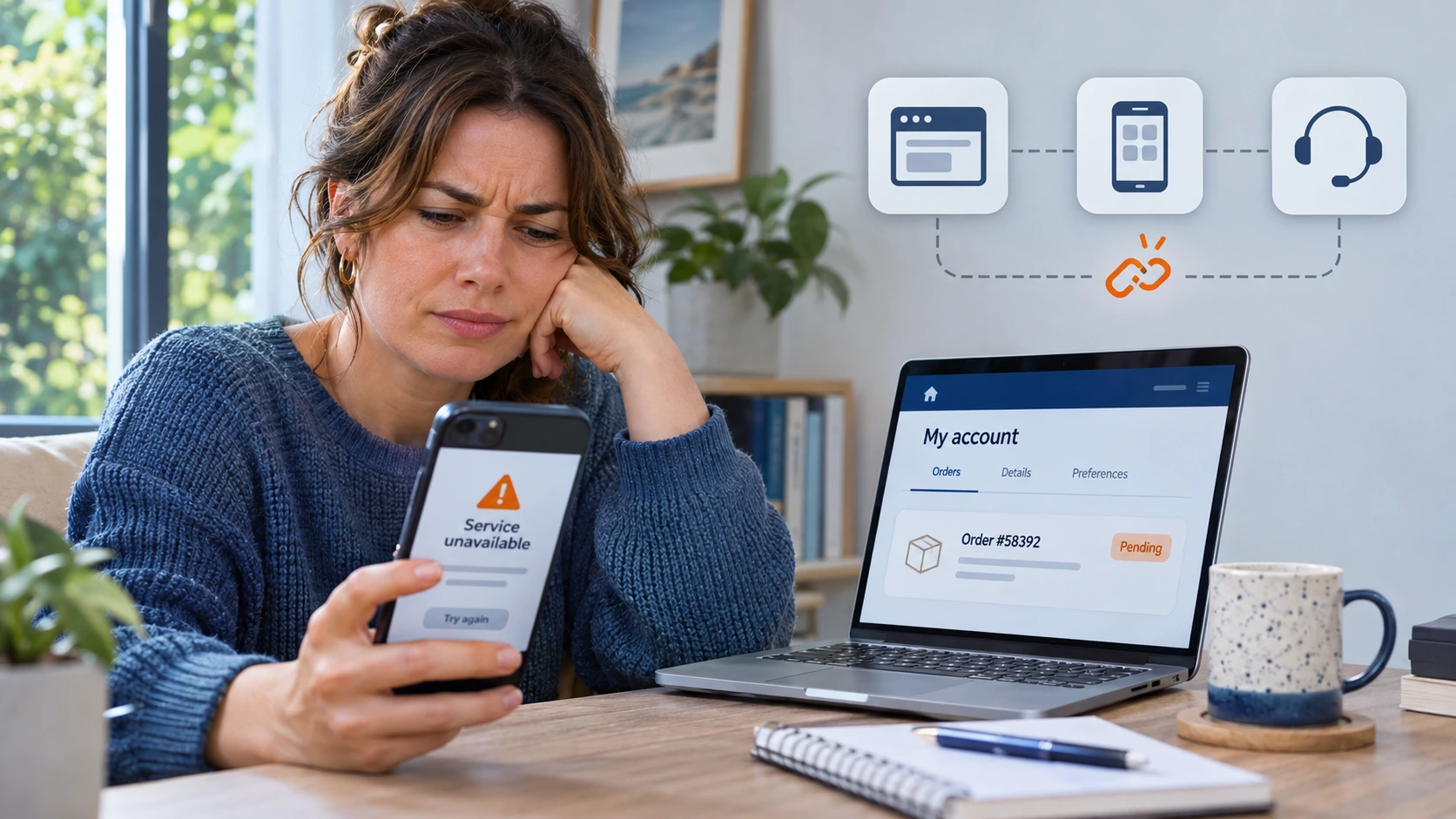
Think about how many systems your customers go through when they use your services: the app, the website, the loyalty platform, the payment provider, and many more. Many of these were added at different times, and they rarely share data well, but your customers don’t see any of that, though. They just see one company showing them the wrong points or an old address, and they trust you a little less each time. The good news is that you usually don’t need to replace these systems, and the right app development approach can connect them instead.
Quick answer: Yes. When accounts, loyalty, payments, and notifications run on separate systems, customers repeat steps and see different information in each channel. A custom mobile app connected to your existing systems gives customers one account and gives your team one set of customer data.
Common Problems Caused by Disconnected Customer Systems
Businesses don’t plan a disconnected setup. They add a webshop one year and a loyalty tool the next, and nobody checks how they’ll work together.
For your customers, that means separate logins, details that don’t update across channels, and messages about things they’ve already done.
For your team, it means missed orders when the webshop and stock system don’t sync, and support staff opening several screens to answer one question.
How Do Fragmented Systems Affect Customer Experience and Retention?
Customers rarely complain about “integration.” They say your app is confusing, and some simply stop coming back. Digital consultancy Nobears surveyed more than 1,000 Dutch consumers, and for 61% of them, one bad customer experience means they won’t buy from that company again.
Loyalty programmes suffer most in this scenario. If points show up days late or can’t be used in the app, you’re still paying for the programme, but it no longer brings customers back.
How Do Disconnected Systems Hurt Operational Efficiency?
Every week, your team spends hours exporting files from one platform, importing them into another, and manually cleaning up duplicate records. Because this cost never appears as one number in your accounts, it’s easy to miss, but you see it in staff time, delayed orders, and follow-ups that slip through. The same problem affects your reporting. With customer data split across several tools, you can’t easily tell which customers buy both online and in-store, so your decisions are based on only part of the picture.
| Area | Disconnected setup | Connected setup |
| Customer login | A separate account for each channel | One account for app, website and store |
| Loyalty | Points update late | Points update soon after each purchase |
| Payments | A different checkout in each channel | Saved payment methods in the app |
| Notifications | Generic and badly timed | Based on what the customer actually did |
| Customer data | Spread across tools, sometimes conflicting | One customer profile for every system |
| Support | Staff check several systems | Staff see the full customer history in one place |
Signs Your Business Needs a Connected Customer App
Check whether any of these sound familiar:
- Customers need more than one account to use your services.
- Loyalty balances differ between the app, the website, and the till.
- Your team copies customer data between systems every week.
- Small new features take months because they touch several systems.
If two or more apply, the problem is how your systems connect, not one tool. Before you speak to a software company, list every customer touchpoint you run and the system that holds its data. That list makes your first conversation much more useful.
How Can a Custom Mobile App Connect Accounts, Loyalty, Payments and Notifications?
A custom app connects directly to the systems you already use, so customers get the same experience everywhere. They log in once with single sign-on and see the same profile in your app, on your website, and in your stores. Loyalty points show up on the home screen the moment they’re earned. Customers can pay with saved methods like iDEAL, while a certified payment provider keeps their card details secure.
And since the app shares data with your other systems, every notification matches what the customer actually did. That’s where custom app development has the edge over a template app builder. Templates handle standard screens well, but they struggle to connect with your ERP (the software that runs your stock, orders, and finance) or your till system
What Does a Connected Customer App Look Like in Practice?
At Zedrox, we built a fuel station app for a client (name withheld under NDA). When drivers open the app, it uses their location to show the nearest station and the quickest way to get there. They can pick a private or business profile, and if they’re driving a truck, the business profile only shows stations that have space and facilities for trucks. That way, nobody wastes time driving to a station they can’t actually use, and they can check fuel prices before they even leave.
The useful part is what happens in the background. The app is connected to the client’s own systems, so it gets station details and prices straight from them. Nobody on the client’s team has to update the app by hand, and drivers always see the latest information.
Why Do Backend Integrations Matter More Than the App Screens?
Customers judge your app by what they see on the screen, but how well it works depends on the systems running behind it. If your older systems don’t have a usable API, you’ll often need middleware, a layer of software that passes data between two systems.
Before any data moves, decide which system owns each type of data. If your CRM (where you store customer contact details) owns the address, every other system takes it from there. Not everything needs to sync instantly, either. Loyalty points should update straight away, while reports can update overnight.
Security and GDPR Basics for Customer Apps
Your app handles accounts, payments, and personal data, so it falls under the GDPR, the EU privacy law (AVG in Dutch). Collect only the data you need, encrypt data moving between the app and your servers, and give staff access only to what their role requires.
Ask any software company you speak to how they run security checks and who can access live customer data. Specific answers tell you far more than general promises.
Planning Your App for Traffic Peaks and Growth
A promotion or a holiday weekend can bring a sudden jump in traffic within a few hours. Cloud hosting adds more server capacity as traffic grows, but older systems are usually where problems start. Caching helps here by storing data that’s used often, so not every request has to go to your ERP. It’s also worth planning a modular setup early in app development, because it lets you add features like bookings or subscriptions later without rebuilding the app.
Final Takeaway
Most customers don’t leave over one big mistake. It’s the small annoyances that pile up. Start by listing every place customers deal with you, then fix the connection that would help them most.
Ready to bring your customer services together in one app? Zedrox builds custom mobile apps that connect accounts, loyalty, payments, and notifications to the systems you already use. Talk to us about custom app development for your business today. Plan your connected app with Zedrox.
FAQs
How long does it take to build a connected mobile app?
Most connected mobile apps take around 4–9 months to build. If you start with a basic MVP, a first version with just the core features, you could launch in 3–5 months. Apps with real-time data, multiple devices, payments, or compliance needs usually take longer, often 9–12+ months.
How much does it cost to build a connected mobile app?
For an MVP, you’ll usually spend around €40,000–€150,000+. If your app needs real-time data from connected devices (IoT), several integrations, or enterprise-level security, it can cost €150,000–€300,000 or more.
Can a custom app work with our existing systems?
Usually, yes. Most modern systems have APIs, and developers can connect older ones through middleware. Check each system’s connection options early, before you agree on a design or budget.
What should we ask a software company before starting an app project?
Ask about their process for integrating the app with your existing systems and how they handle security, GDPR, testing, and post-launch support. Also worth looking at is who owns the code and whether you can talk directly to developers.